
Dispatch
Every trip on a run, every run in view.
R-2 Van 09 · Tuan
Wheelchair van · 3 stops leftOptimize stop order- 07:30Kenji Sato 2211 Barton Rd, Loma LindaDone
- 08:00Kenji Sato Loma Linda clinicDone
- 09:10Dolores Vega Rialto6 min late
- 09:45Dolores Vega Colton Dialysis CenterAppt 09:45
- 10:25Marisol Ortega FontanaScheduled
Swipe sideways across the board: the queue, the runs and the live map.
Sample data throughout this page: Inland Care Transit, its riders, runs and vans are made up; the map's roads are real.
Calendar and auto-assign
Auto-assign plans. You approve.
Checked before any trip lands on a run
- 01Windows and ride time
Every pickup inside the payer's window; no rider on board past the payer's limit.
- 02Space type and run hours
Wheelchair, ambulatory and gurney riders only on a van that carries them, between pull-out and pull-in.
- 03Zones and avoided drivers
Hard zones kept to, soft ones warned; a rider's avoided driver never gets the trip.
12 of 12 placed
4 runs · 98.4 loaded mi · 0 late
12 of 12 placed
4 runs · 98.4 loaded mi · 0 late
- 1AssignVan 12 · RosaWheelchair van · 3 stops leftOn time, adds 6 min · Pickup about 10:12
- 2AssignVan 03 · OmarWheelchair van · 2 stops leftOn time, adds 14 min · Pickup about 10:20
- 3AssignVan 09 · TuanWheelchair van · 3 stops leftMarisol Ortega 9 min late, adds 11 min
- 4Van 04 · LuisAmbulatory van · 2 stops leftBreaks a rule: wheelchair rider on an ambulatory vanThis breaks: wheelchair rider on an ambulatory van. Assign anyway with a note for the audit log.Family confirmed her son transfers her and folds the chairForce assignNever mind
Place one trip by hand.
Shop a trip and every run that could take it is ranked by added driving, lateness and the rider’s detour. A run that would break a rule says which one. You can still force the assignment with a note, and the audit log keeps the note and the rule it broke.
Shown: Lena Park’s 10:15 pickup from the queue in the window above. Sample data.
Van 12 · Rosa, 7:53
Inside Hector’s 7:40 to 7:55 window. He gets a text naming the new van.
Van 12 · Rosa, 7:53
Inside Hector’s 7:40 to 7:55 window. He gets a text naming the new van.
Late-risk alerts
Caught at 7:32. Fixed by 7:33.
Van 04 · Luis reaches him at 8:01; his window closes at 7:55. Van 12 · Rosa can be there at 7:53.
Brakes failed the pre-trip inspection. Rosa is waiting on the mechanic; the run's first pickup is at 7:30.
Refreshes on its own. Acknowledged alerts leave this list for everyone.
ETAs are recomputed after every change on the board, and from the van’s GPS once the run is moving. A rider moved to another van gets a text naming the new one.
Live map
Watch the fleet move.
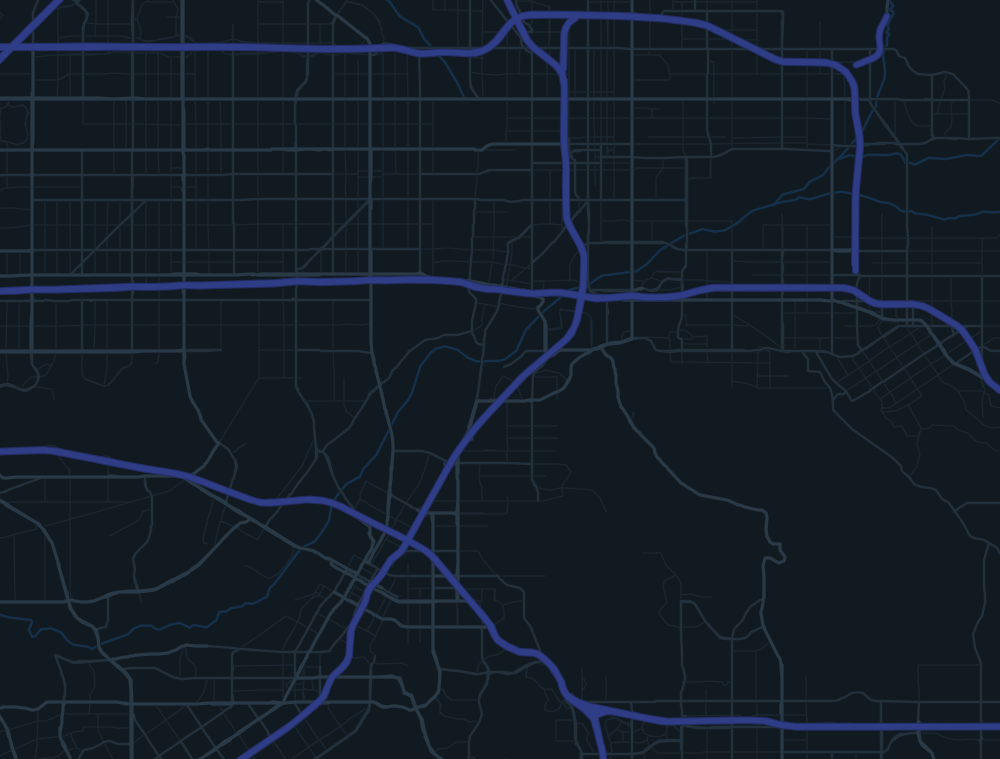
- Van 12R-4 RosaOn boardWalter Kim on board, to RiversideSWfix 1 s ago
- Van 09R-2 TuanLate 6 minDolores Vega's pickup, 6 min lateSEfix 4 s ago
- Van 04R-7 LuisEn routeTo Ray Delgado, RiversideSfix 2 s ago
- Van 07R-9 MateoOn boardFrank Lowe on boardNEfix 3 s ago
- Van 15R-11 AnaOn boardPaul Nguyen on board, to Loma LindaEfix 6 s ago
- Van 03R-5 OmarEn routeTo Sam Whitfield, RialtoNfix 0 s ago
- Van 21R-12 GraceEn routeTo Miguel Torres, FontanaWfix 5 s ago
- Van 18YardHeld at the yard: inspectionColton yardno fix: parked
- Van 02YardIn the yard, no run todayColton yardno fix: parked
Will-calls
When the rider calls, the run is already picked.
The driver can call a return in too: “Rider ready for return” on the drop-off screen puts it in this queue, which is how Esperanza’s arrived at 14:48.
Every trip has a run.
- AssignedVan 12 · Rosa · Pickup about 15:25On time, adds 4 min
- Van 03 · Omar · Pickup about 15:40On time, adds 11 min
- Van 09 · Tuan · Pickup about 15:30Dolores Vega's return 6 min late, adds 9 min
Inland Care Transit: enviamos un vehículo para su regreso. Siga el viaje: …/wmr/p4Xn
Also on the board
Built for the hour when three things go wrong at once.
- Vehicle down
- A van breaks down or a driver goes home: the stops not yet picked up go back to the queue for reassignment, riders on board stay with the run, and a rider whose van changes gets a text naming the new one.
- Change the van or driver for the day
- Swap a run's vehicle or driver in place. Capacity by space type and the driver's credentials are checked before the swap goes through.
- Breaks
- Add a break after a stop or at a time. Every later ETA on the run moves with it, and the break shows on the driver's run.
- Messages to drivers
- One driver, or everyone on a run today. Each message shows delivered and read; drivers answer with a tap on a quick reply.
- Day templates
- Save a well-planned day under a name and apply it to another date. Every placement goes through the same rule checks as auto-assign.
- Run manifests
- Print one run or the whole day, every stop in order, each sheet marked “Prepared with MileCall”.
- Search and shortcuts
- One bar finds riders, trips and runs and runs actions, such as activating a will-call. Keyboard shortcuts cover the board.
See your own day on the board.
Bring a day of your trips. We'll plan it in MileCall beside your current software and walk through where the board would have caught a late pickup.